

Visualiser
AI visualiser for product brands.
Customers design with your real products on their own project, on their photo or in 3D: a renovation, an extension or a new home.
See our workYour products, in their project.Chosen with confidence.
Use it on its own, or with Planner and Quantities. The applications share the same AI designer and 3D foundation, so new capabilities can build on your existing product data and models.

In use at James Hardie
TsquareAI builds and operates the Hardie™ AI Visualiser on jameshardie.com.au. Homeowners explore renovations, extensions and new homes using real James Hardie products.
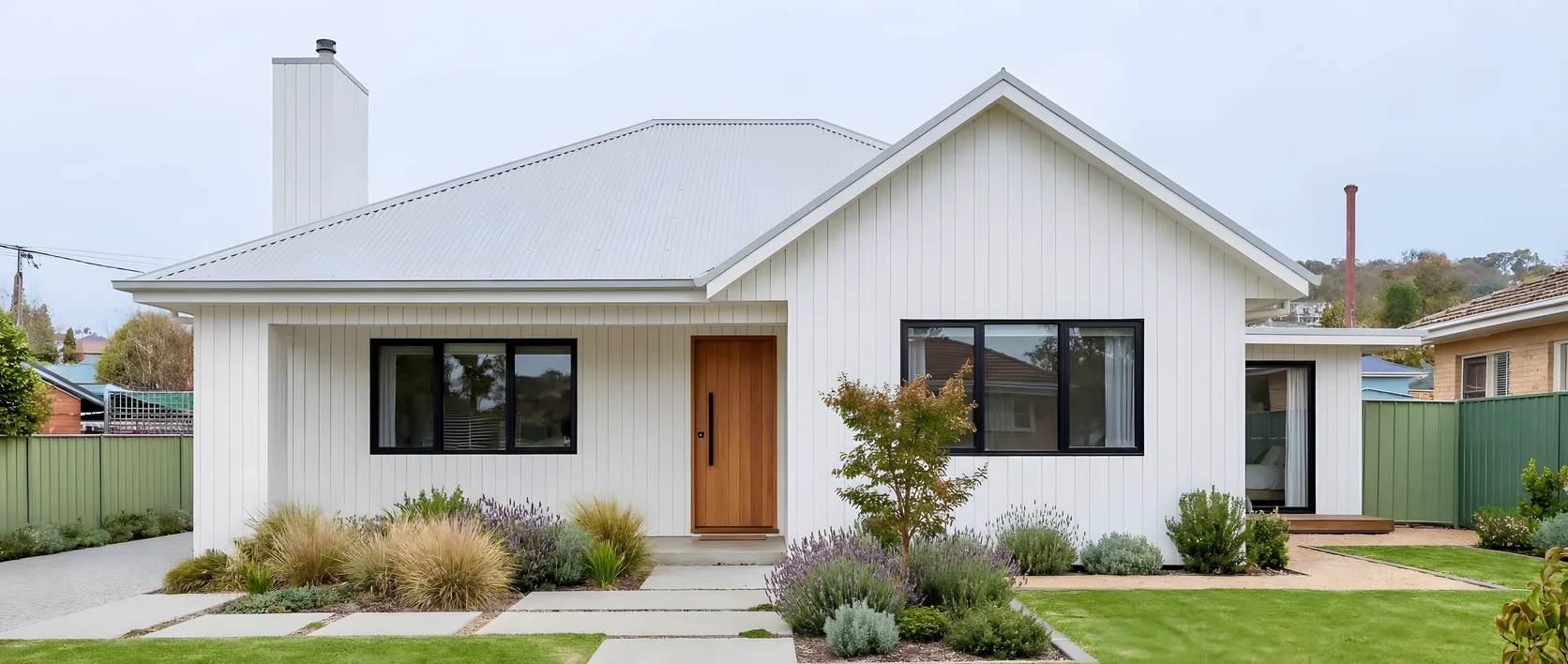
Choose your modern home style
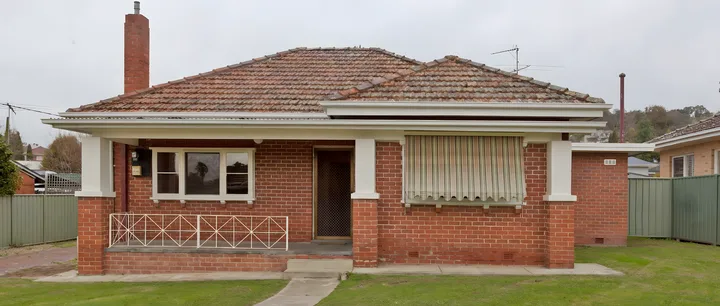
Start from a photo of the home and pick a style, such as Modern Farmhouse.
Apply a Hardie™ exterior product
Try real James Hardie products, such as Axon™ Cladding, in real colours.
See your home transformed
Slide between before and after, then save the design and take the next step.
How it works
Three steps, on your website
Upload
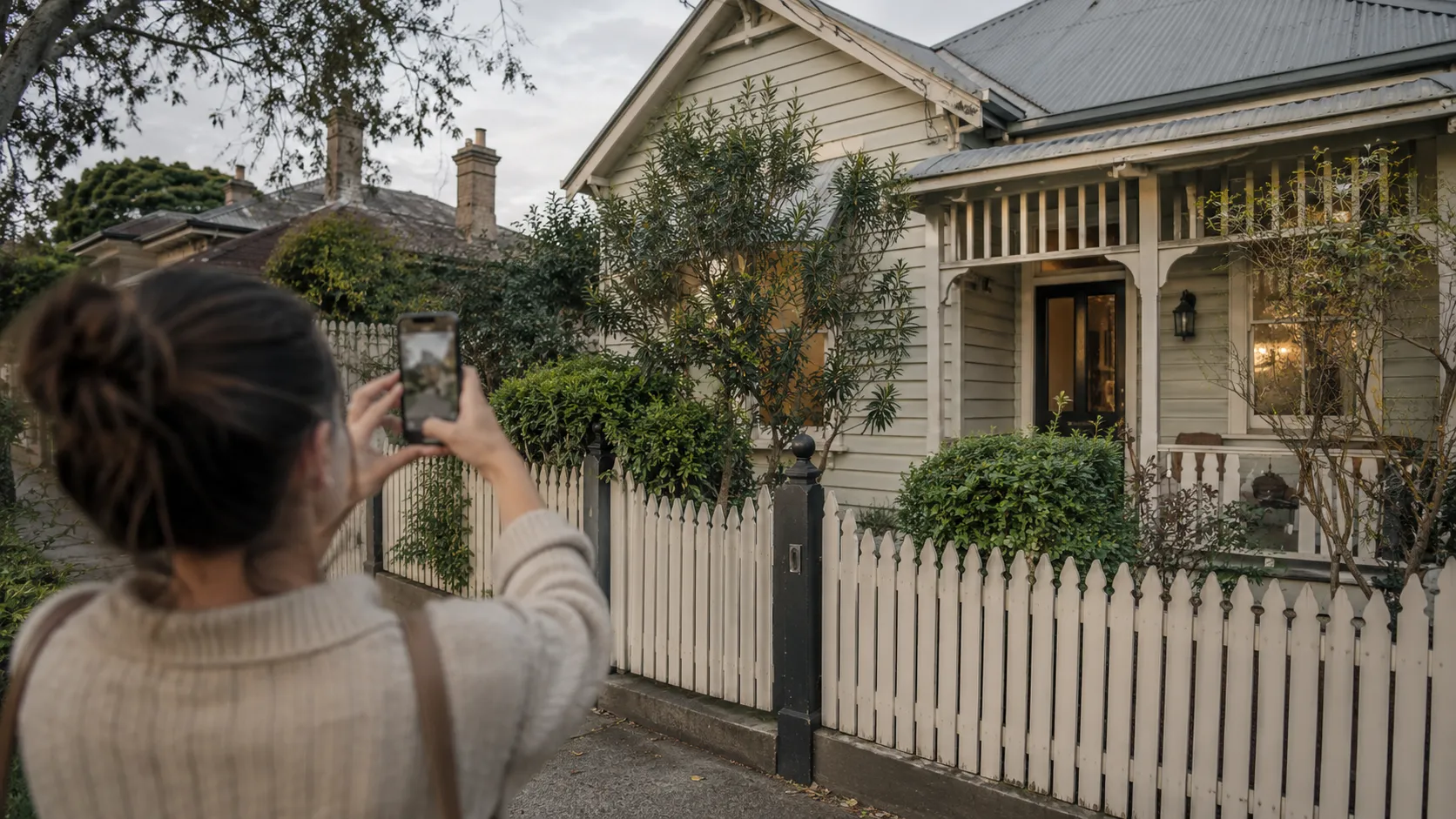
Customers start from a photo of their own home or room, or from drawings or an address for a new build.
Design
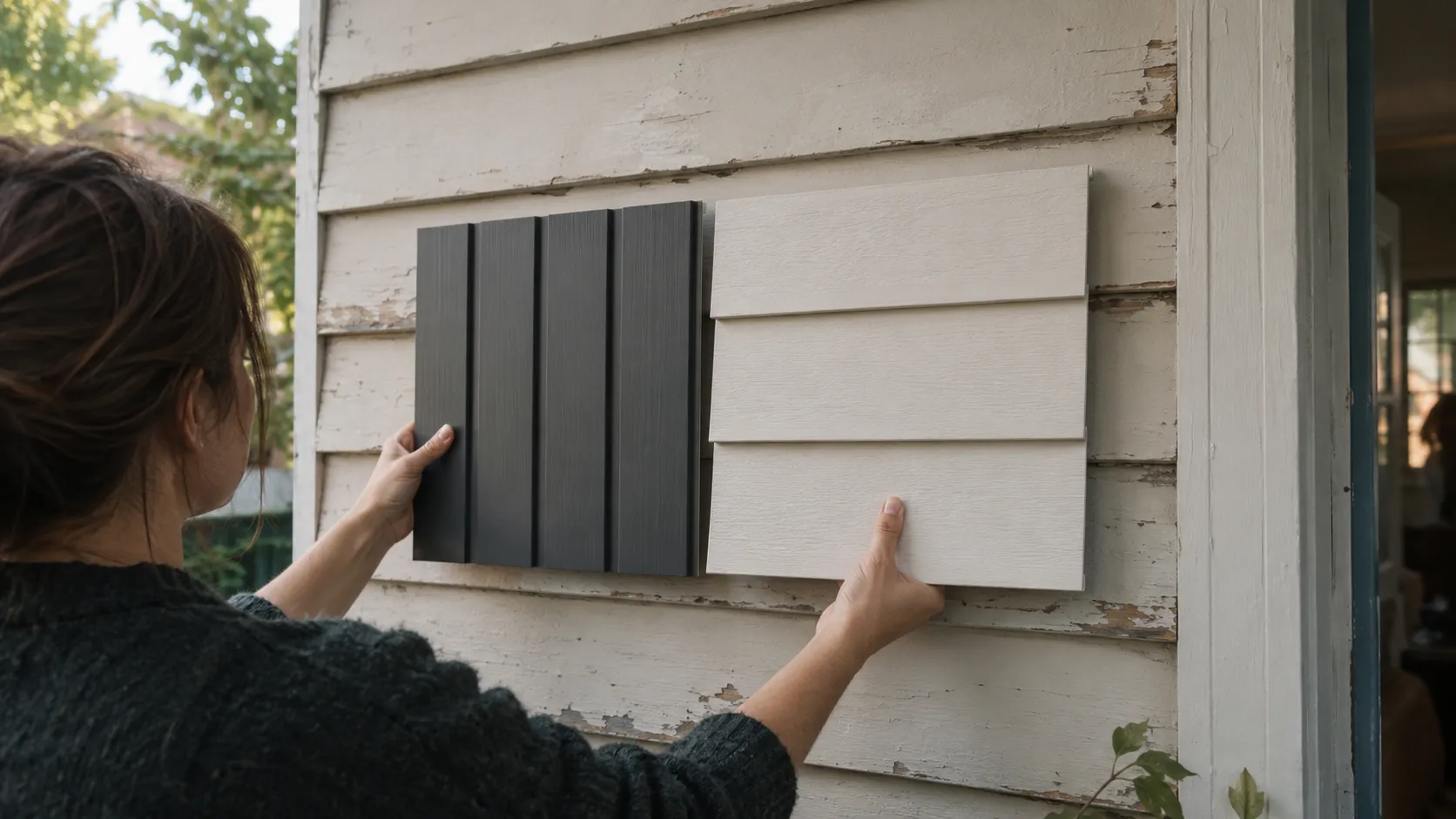
AI creates design options around your products, including new elements that aren’t in the original scene. For 3D workflows, it generates the model in real time from photos or drawings.
Decide
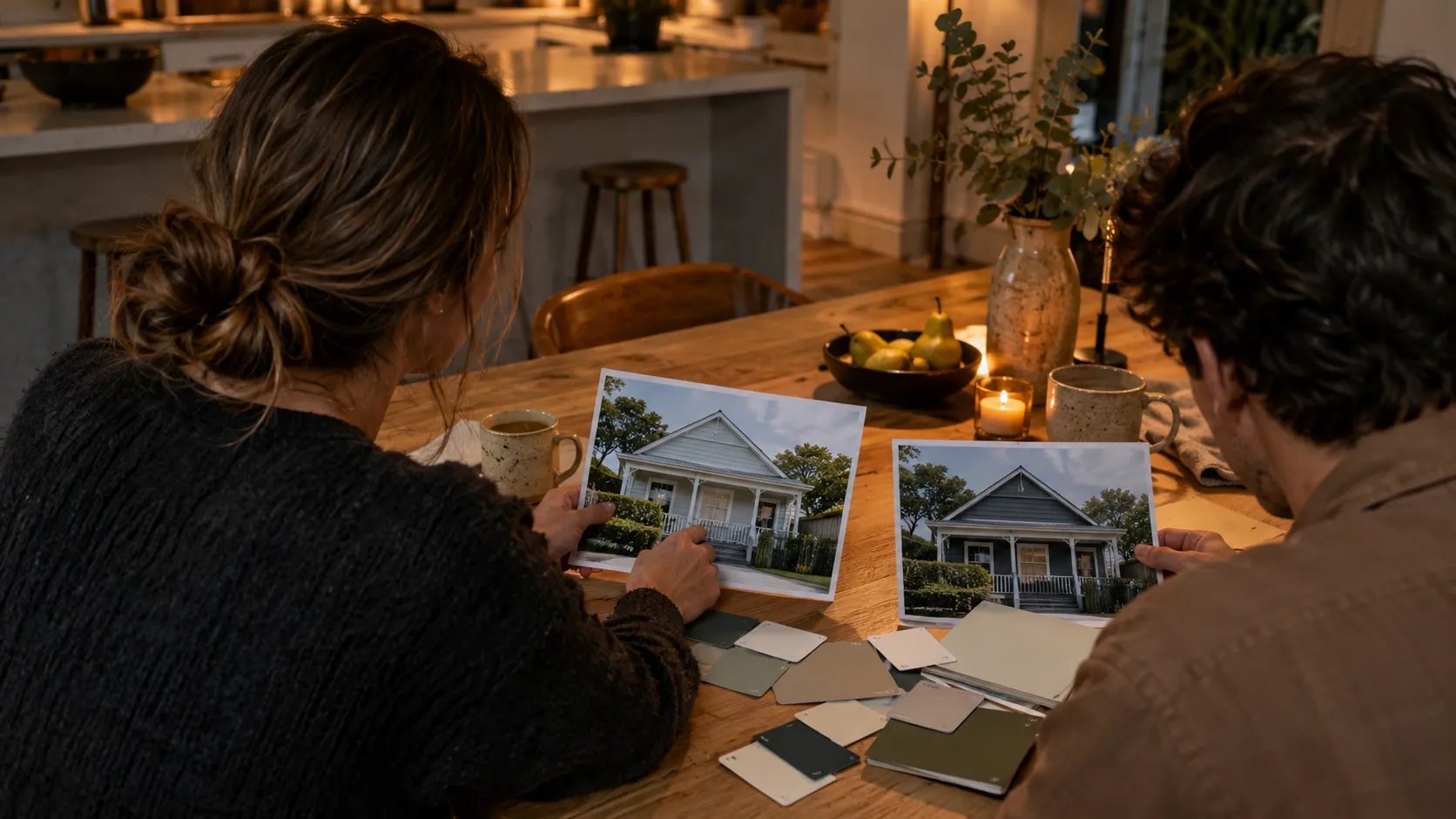
They change any part, view it in 3D from every side, compare options and take the design to an enquiry.
Design, not just preview.
Help customers redesign an existing space or create something new: a deck in the garden, an extension to the home or a new build from scratch. The AI brings your products into the design, and customers refine the result.
Your products, as 3D digital assets
Our AI modelling engine builds accurate 3D models of your products from your images, drawings and specifications. They are included at no extra cost, and they are yours to use elsewhere. Your colours, profiles, finishes and the rules for what goes together, in your brand and on your website.
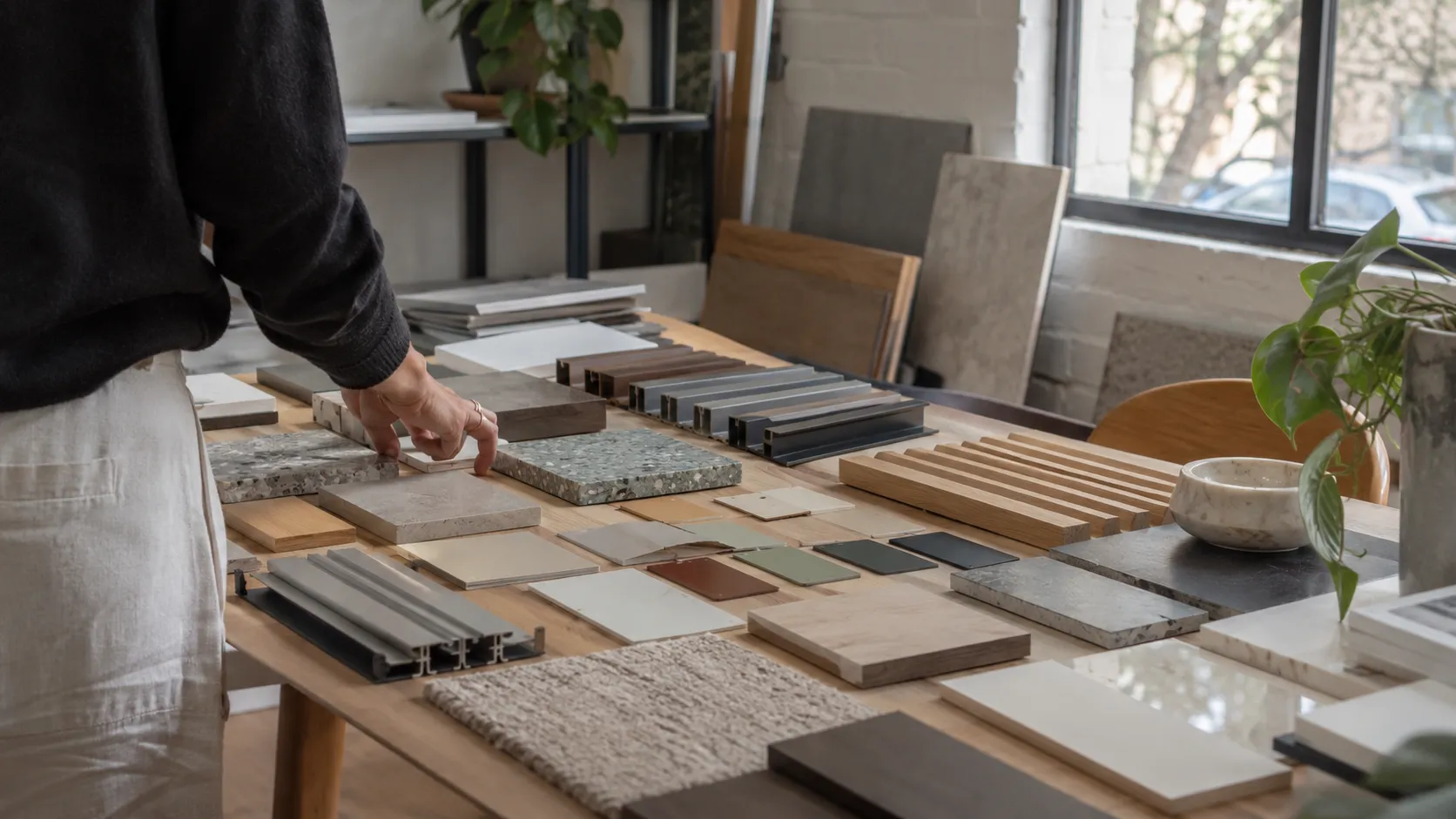
An editable 3D model, generated in real time.
Generate design images in seconds, or turn photos and drawings into an editable 3D model during the same design session.
Customers can explore the model from different angles, adjust the design and try your products, colours and finishes as they go. Product combinations are checked against your rules, keeping the design connected to what your business can supply.
Real-time 3D generation means creating the model itself. Customers can work with that model straight away, explore alternatives and make decisions together with their designer or your sales team.
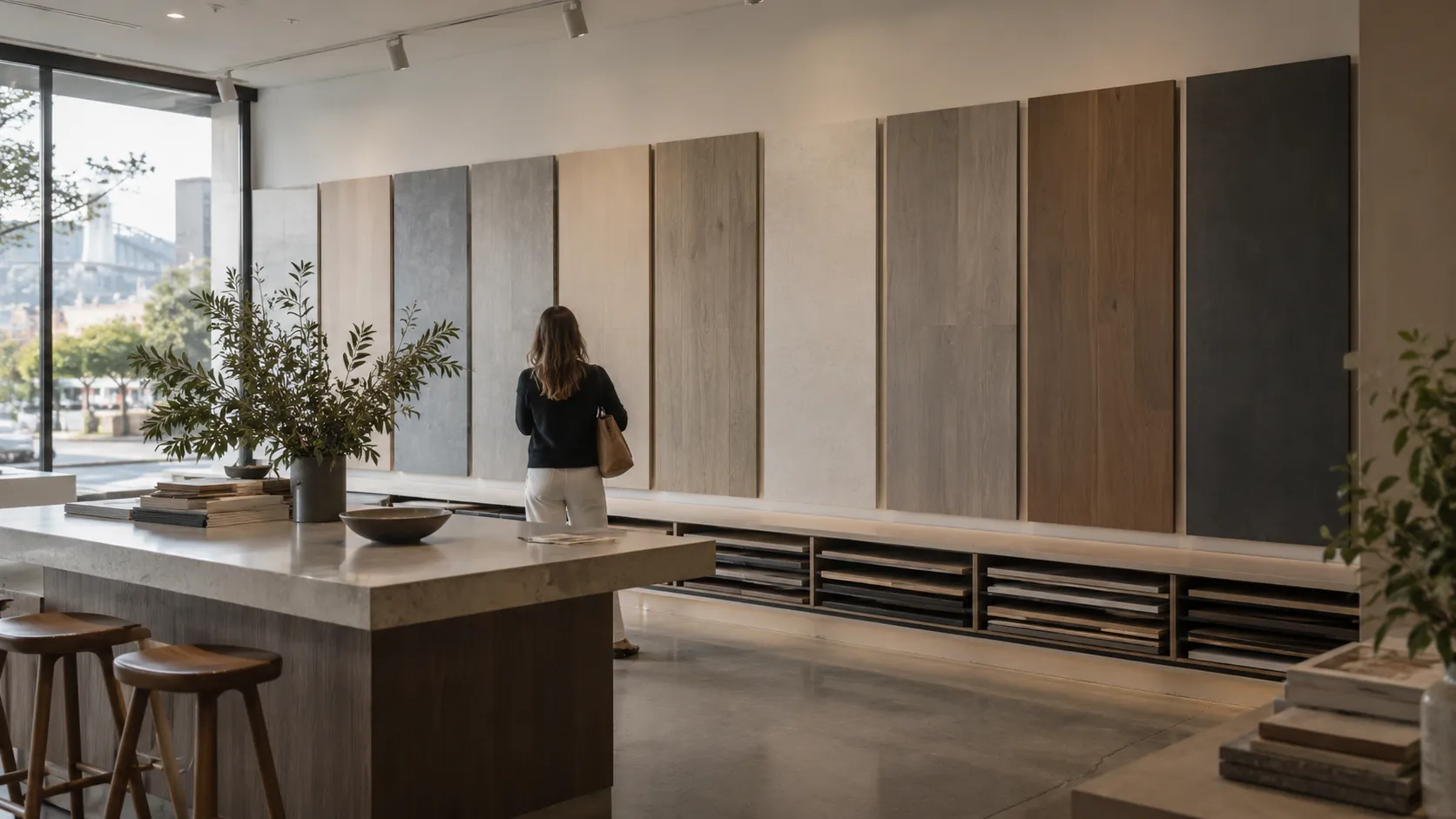
Planning information from an address
For new homes, enter the address and see the planning controls that apply to the site before the design goes further.
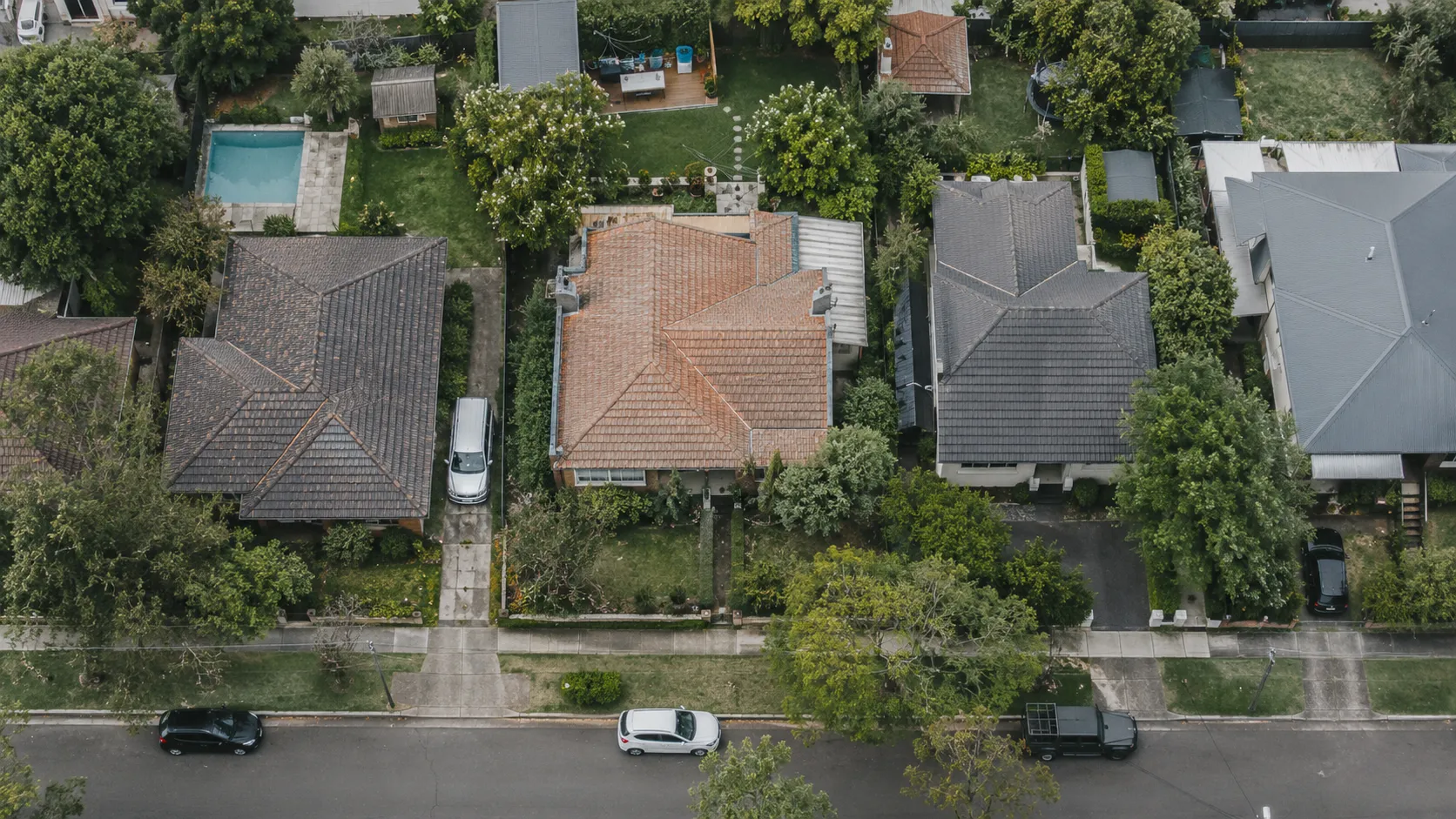
From design to enquiry
A dashboard shows where users come from, what they design and how designs become enquiries for samples, builders, stockists or your sales team.
Estimate the value for your business
Estimated · AUD
$860K
Added revenue a year $3.2M → $4.1M
Illustrative example in AUD. Adjust the inputs for your business.
Your business
Model your growth
Illustrative defaults: 150 enquiries a month, 15% become sales, average sale $12,000.
Questions teams ask
- Can it create something that is not in the original photo?
- Yes. TsquareAI Visualiser can generate new design elements, such as a deck or an extension, as well as redesign existing spaces. It also supports new-home concepts without an existing photo.
- Does TsquareAI generate images or editable 3D models?
- Both. TsquareAI Visualiser generates design images in seconds. In its 3D workflows, it also generates an editable 3D model from photos or drawings in real time, during the design session. Customers can immediately explore the model from different angles, adjust the design and configure products, colours and finishes with their designer or your sales team. Editing options follow the product and design rules set up for your application.
- Can it run on our existing website?
- Yes. It can sit inside a page on your existing website or run on its own domain, in your brand. You provide a website or IT contact to place it; we build, launch and run it.
- What do we need to give you?
- Your product range (products, colours, profiles and finishes) and the rules for what goes together, your brand guidelines, a website or IT contact, and a project owner for feedback and approvals. We take on the product logic, design, build and testing, then work with your team through launch approval.
- What do your customers need to start?
- A photo of their home or project, drawings or, where new homes are part of the scope, an address. The AI designs it with your products, on the photo or in 3D, and they change any part and compare options. Saving, downloading and sharing designs are set up for each deployment.
- Where do the 3D models of our products come from?
- Our AI modelling engine builds accurate 3D models of your products from your images, drawings and specifications. They are included at no extra cost, and they are yours to use elsewhere. The customer’s home or space is modelled in real time from photos or drawings.
- Can it produce drawings?
- Yes. From the 3D design it can produce shop drawings and professional drawings.
- How are new products or ranges added after launch?
- Send us the change, with the product information and images. New products are checked for product and visual consistency before they go live. Your service plan sets out the included updates; we quote new ranges or categories before work starts.
- What does the dashboard show?
- Where users come from, what they design and how designs turn into enquiries. We configure the reports and team access around your workflow.
- Where do enquiries go?
- To the inbox or system you choose: your sales team, a sample request, a builder or a stockist. CRM, forms and other integrations are quoted to match your systems.
- How is it priced?
- We scope the application around your products and workflow, then give you a fixed quote for the build. After launch, a monthly fee covers hosting, monitoring, support, agreed improvements and new ideas for using AI in your business. Quotes for Australian clients are in AUD, with GST added where it applies.
- Scoping, pricing and ongoing operation →
- Can you work with product brands worldwide?
- Yes. We can work with product brands anywhere in the world, and host the application in the region you need.
- Where is it hosted, and how is customer data used?
- Each application runs on cloud infrastructure with data centres around the world, and we host it in the region you need. For Australian clients, local hosting is the default. Your application uses your product data, and the photos, designs and enquiry details your customers choose to share, only to run the experience you’ve agreed with us. Models trained on your data, and everything your application produces, belong to you; TsquareAI owns the core platform. Retention and deletion are set out in your agreement.
- Hosting, data and ownership →
Built around how products are chosen in your category.