

What is AI quantity take-off from plans?
By Anthony Wei, Founder & CEO
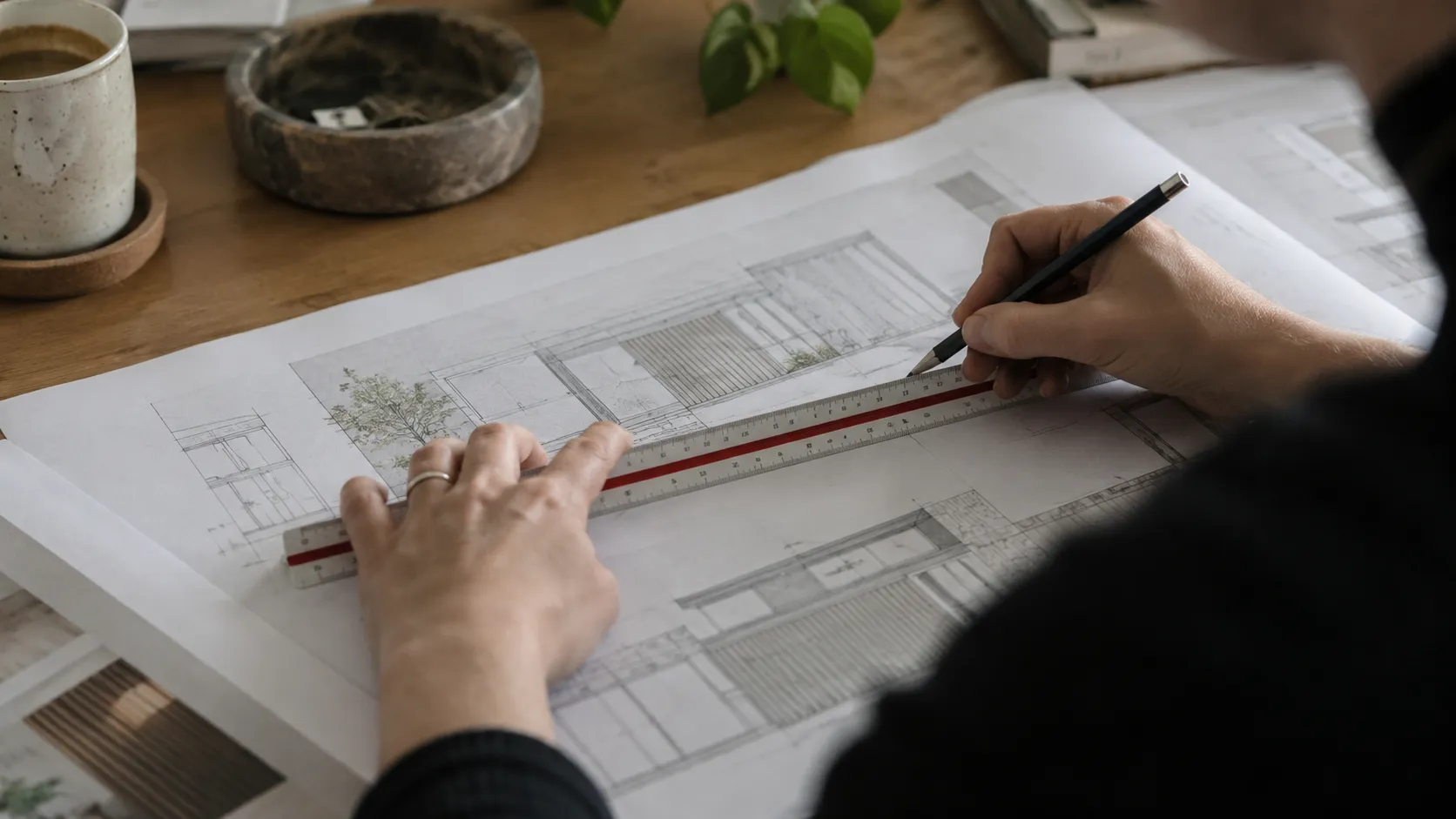
Take-off that shows its working
AI quantity take-off reads a project’s plans, elevations, schedules and specifications, and counts the areas, items and lengths the job needs, using your own product rules. Every line shows where it came from and the assumptions behind it, and anything missing or conflicting is flagged rather than guessed. The result is a bill of materials, a quote draft or order lines, checked and signed off by your estimators before anything is sent.
It works from the drawings a project already has: architects’ plans, builders’ tender sets, window and door schedules, marked-up sketches and, where the project was designed with TsquareAI Visualiser or Planner, the same 3D model the design was built in.
It counts in two ways: an exact take-off from drawings, or a fast quantity range from photos.
Two ways to count: exact, or a fast range
- Exact take-off, from drawings. When the plans exist, it reads them and counts every area, item and length, line by line, for a quote or an order your estimators sign off.
- A fast range, from photos. When there are no drawings yet, take photos of the site or the building. We turn them into a 3D model and count from it, giving a quantity range in minutes. Use it to answer an early tender fast, give a customer a figure on the first visit and lock in the order, then firm it up with an exact take-off when the drawings arrive.
Why it changes the quote
Take-off is the slowest, most repetitive part of a quote. Every tender means measuring the same kinds of drawings again, keying the numbers into a spreadsheet and then into the pricing system, against a deadline. And the cost isn’t only time: an item the job needs but the drawings never show, such as a flashing, a trim or a fixing, is easy to miss, and a missed item comes straight out of the margin.
AI take-off does the counting and leaves the judgement with your estimators. They stop measuring from scratch and start reviewing: checking the lines, settling the flagged questions and signing off. Nothing is keyed in twice, and your team can quote more of the jobs it is asked to, with the same people.
How it works
- It reads the drawings. Plans, elevations, sections, schedules and specifications, with their tags, dimensions and notes, and the 3D model where there is one.
- It counts with your rules. Areas, items, lengths and accessories, worked out the way your business measures, cuts and sells: your product sizes, your allowances and every matching part each product needs.
- It flags what’s missing. Missing or conflicting dimensions, items the drawings imply but don’t show, and unclear readings are flagged for your estimator, not guessed.
- It prices it, if you want it to. With your price lists and rules it prepares a version for your team, with costs and margins, and one for your customers. Or it stops at quantities and leaves pricing to your stockists and installers.
- Your estimator signs off. Every line links back to the sheet and tag it came from. The estimator reviews, adjusts and signs off, and the bill of materials, quote draft or order lines go out in the format your team and systems use.
What a brand or contractor supplies
- Your product rules: the products, sizes and components you supply, and how your estimators measure them.
- A set of plans you’ve already quoted: we test against it, so you can compare the result with your own team’s take-off.
- Your price lists, if you want prices.
- An estimator to review the results and sign off.
We do the rest: the AI, the rules, the build and the running of it.
AI take-off or traditional estimating software?
Traditional take-off software gives the estimator better tools to measure with: on-screen rulers, area tools and counters. The estimator still traces every wall, clicks every window and keys in every line.
AI take-off does the measuring itself. It reads the whole set, applies your product rules, adds the parts each product needs and hands the estimator a complete, traced list to check. The estimator’s job moves from measuring to reviewing, and the result can go straight into the estimating and ordering tools your team already uses. And unlike a general AI reading a PDF, it knows your products: what each item is made of, how it is sold and what goes with it.
Who it’s for
- Merchants and building suppliers who quote materials from customers’ plans every day.
- Manufacturers who want every enquiry to arrive with a bill of materials for their own products.
- Contractors and subcontractors who price from builders’ tender sets: windows and façades, roofing, cladding, flooring and more.
Frequently asked questions
Do we need drawings?
No. From photos of the site, it builds a 3D model and gives a quantity range, ready for early tenders and quick quotes. When drawings are available, it does an exact take-off.
Can it read hand-marked or incomplete drawings?
Yes. It reads sketches, marked-up PDFs and partial sets alongside the formal drawings. Where the drawings are incomplete, it flags what is missing or implied instead of guessing.
How do we know the quantities are right?
Every line shows where it came from and the assumptions behind it, and missing or conflicting information is flagged rather than guessed. Your estimators check and sign off every output before it is used.
Does it have to show prices?
Only if you want it to. With your price lists and rules it can prepare a version for your team, with costs and margins, and one for your customers. Or it gives quantities only and leaves pricing to your stockists and installers.
What formats does it produce?
Bills of materials, quote drafts and order lines in the format your team and systems use. Direct connections to your estimating, ordering or business systems are set up to match your requirements.
See it working
TsquareAI builds and operates AI applications for building-product brands, merchants and builders. See Quantities · How to choose AI quantity take-off · A commercial glazing contractor · Book a call