

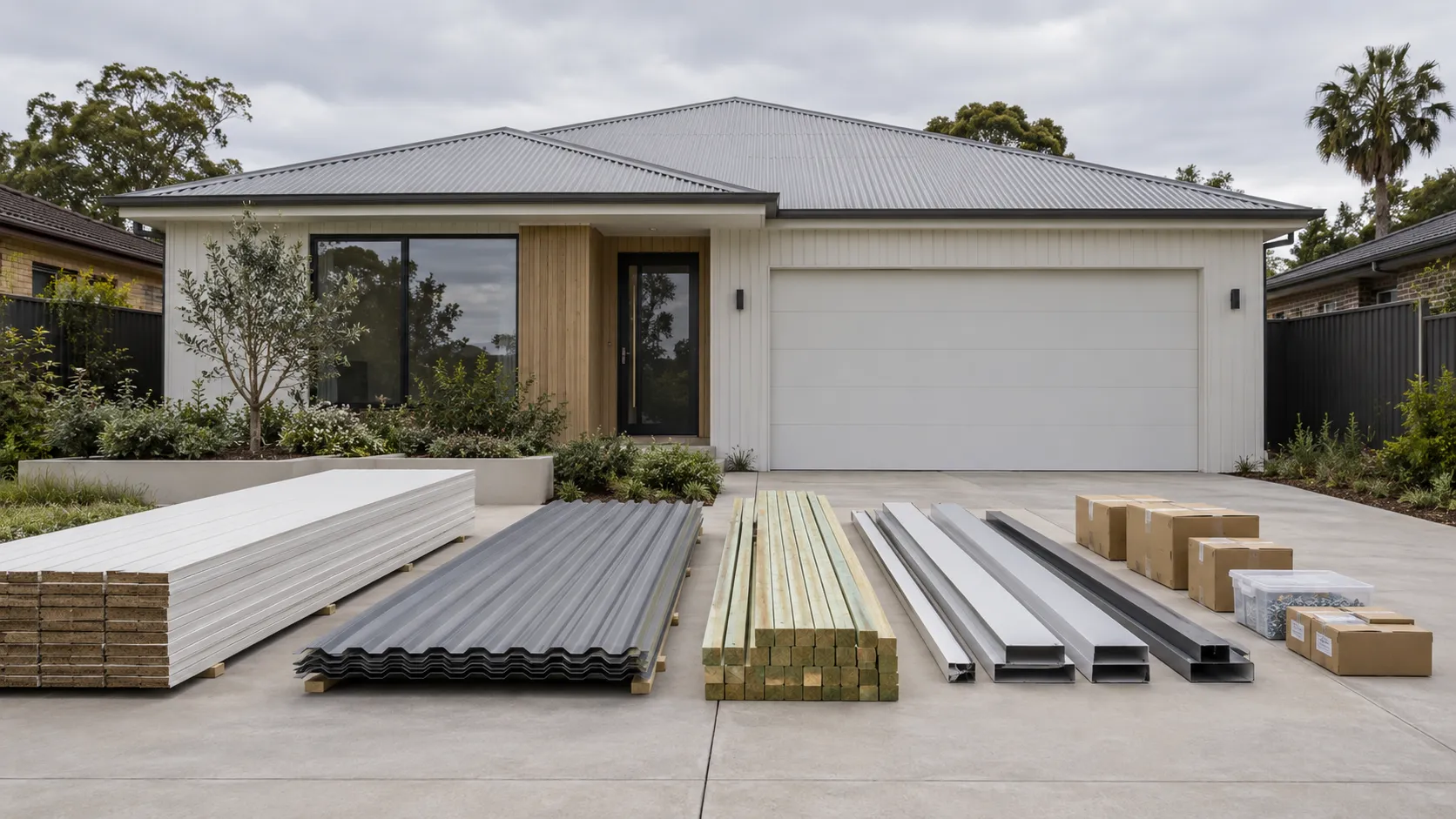
Quantities
Quantities and pricing for product brands, merchants and builders.
From the 3D model, the plans or photos of the site to quantities, and prices when you want them.
Talk to us about QuantitiesKnow what the project takes.And what it costs, when you want to.
Use it on its own, or with Visualiser and Planner. All three share the same AI designer and 3D foundation, so anything you add later builds on the same products and the same model, and nothing has to be redone.
How it works
Three steps, from drawings or photos to quantities
Read

Read the same 3D model the design was built in, with the plans, elevations, schedules, sketches and the design the customer chose, or photos of the site.
Count
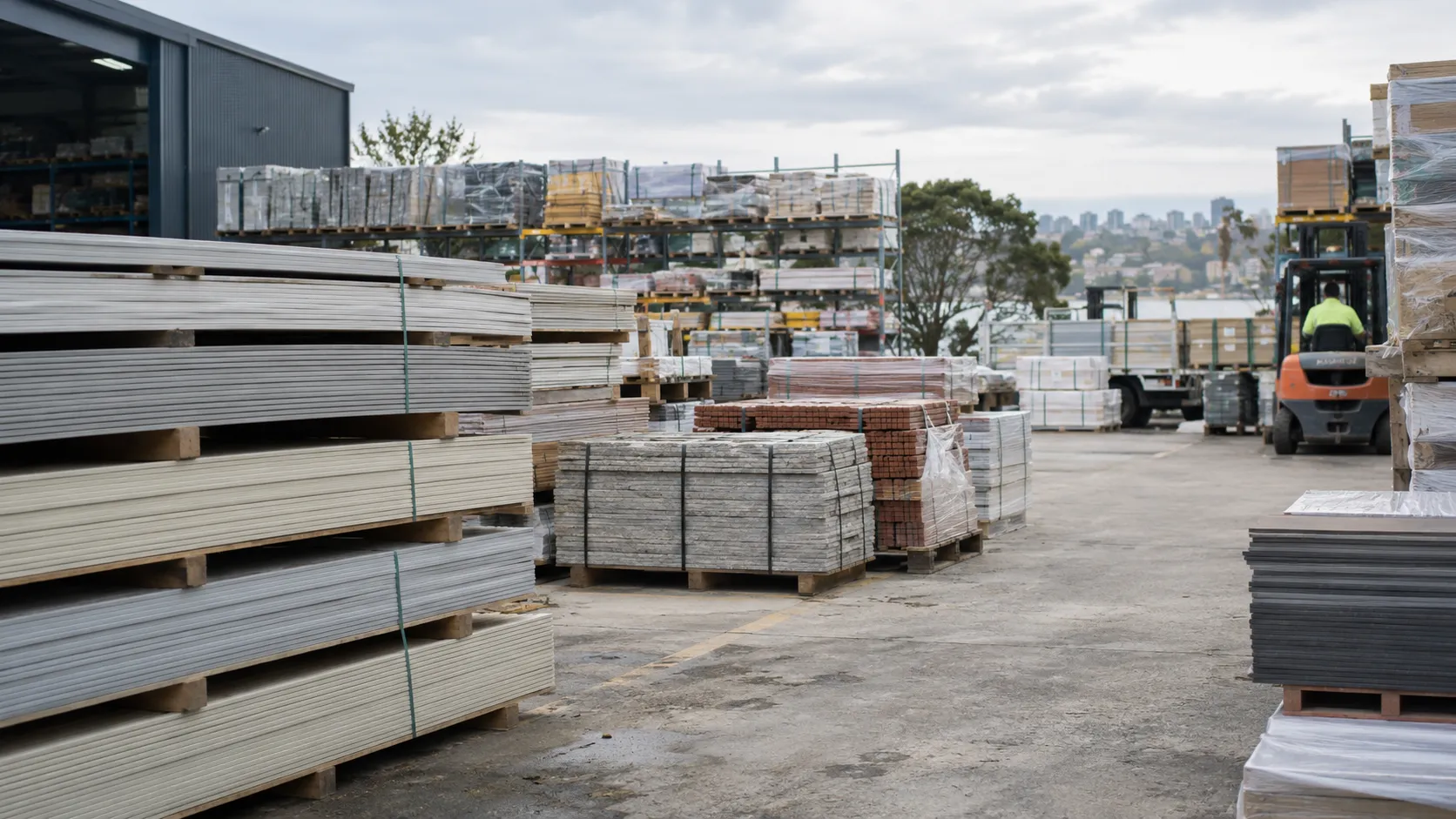
Work out areas, items and lengths with your product rules, with every assumption shown.
Price

Add your price lists when you want them, then pass quantities, a bill of materials or a quote to the people who check and send it.
Quantities you can check
Quantities reads the same 3D model and the plans to work out exactly what the job needs: areas, items, lengths and accessories from your product rules, with sources and assumptions shown for checking.

Exact, from drawings
When the plans exist, it reads them and counts every area, item and length, line by line, for a quote or an order your estimators sign off.

A fast range, from photos
When there are no drawings yet, take photos of the site or the building. We turn them into a 3D model and count from it, giving a quantity range in minutes. Use it to answer an early tender fast, give a customer a figure on the first visit and lock in the order, then firm it up with an exact take-off when the drawings arrive.

Prices when you want them
Once the quantities are there, the price follows from your price lists and rules: a version for your team with costs and margins, a version for your customers, or both. Or leave pricing to your stockists and installers.

Gaps flagged, not guessed
Missing or conflicting dimensions, items that are needed but not drawn, and unclear readings are flagged for your estimator.

Into the work you already do
Bills of materials, quote drafts and order lines in the format your team and systems use, set up for your business.
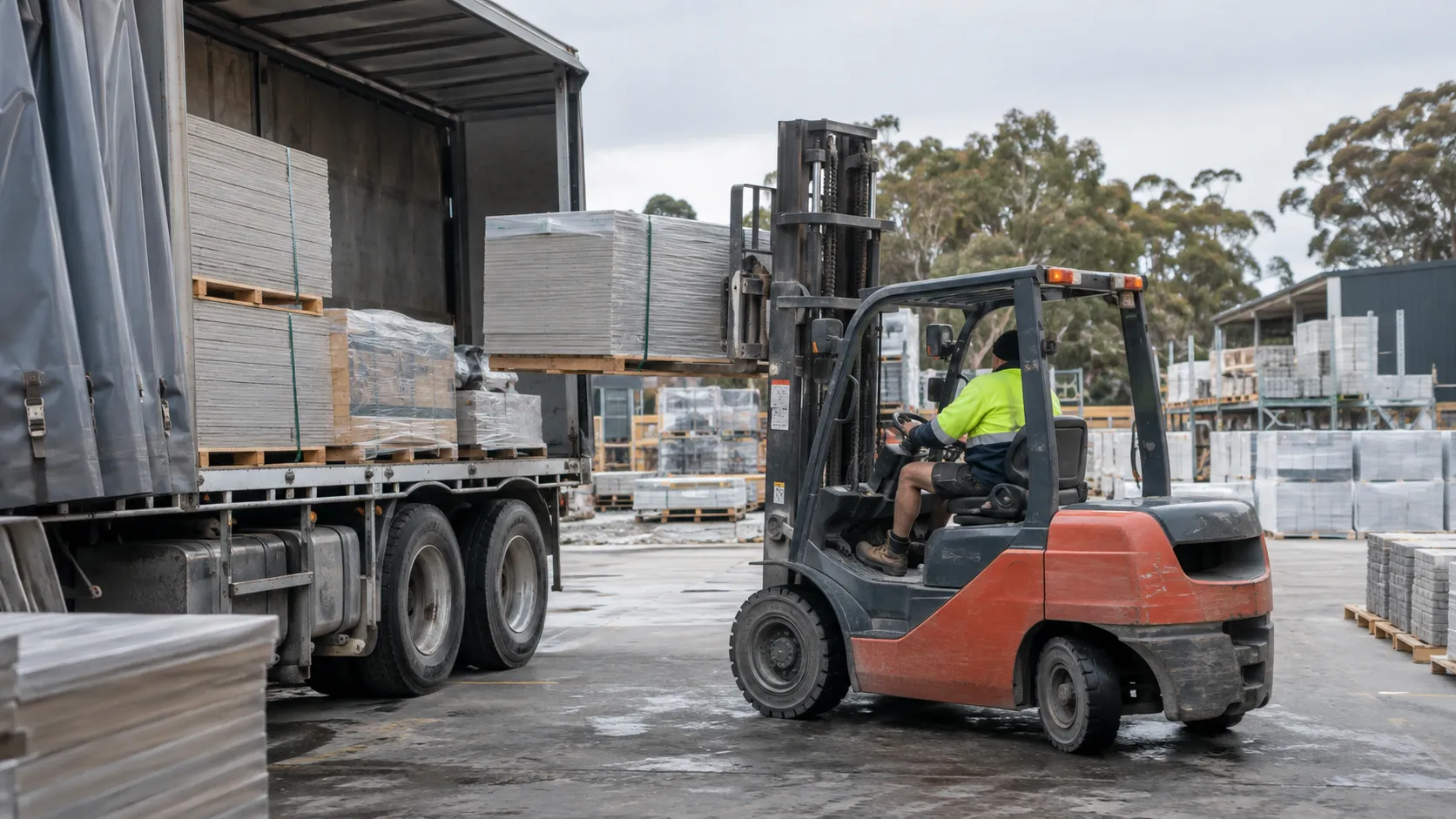
Estimate the value for your business
Estimated
$1.4M
Added revenue a year $2.9M → $4.2M
Illustrative example. Adjust the inputs for your business.
Your business
Model your growth
Illustrative defaults: 30 jobs quoted a month, 20% of quotes won, average job $40,000.
Questions teams ask
- What can it read?
- The 3D model the design was built in, plus plans, elevations, schedules, sketches and the design a customer chose, or photos of the site. We configure and test the drawing inputs using plans your team has already quoted.
- Do we need drawings?
- No. From photos of the site, it builds a 3D model and gives a quantity range, ready for early tenders and quick quotes. When drawings are available, it does an exact take-off.
- Where do the 3D models of our products come from?
- Our AI modelling engine builds accurate 3D models of your products from your images, drawings and specifications. They are included at no extra cost, and they are yours to use elsewhere. The customer’s home or space is modelled in real time from photos or drawings.
- Can it produce drawings?
- Yes. Quantities works from the same 3D model as Visualiser and Planner, which produce shop drawings and professional drawings; Quantities turns that model into bills of materials, quote drafts and order lines.
- How do we know the quantities are right?
- Every line shows where it came from and the assumptions behind it, and missing or conflicting information is flagged rather than guessed. Your estimators check and sign off every output before it is used.
- Will it show prices?
- Only if you want it to. With your price lists and rules it can prepare a version for your team, with costs and margins, and one for your customers. Or it gives quantities only and leaves pricing to your stockists and installers.
- Is it a visual CPQ?
- You can think of it as a smarter one. A traditional visual CPQ has customers drag and drop every part. Here, AI proposes complete designs with your real products, and customers or your team can still drag and adjust any part by hand. If you want prices, it prices the design from your price lists and prepares a quote draft for your team to approve.
- AI visualiser vs configurator vs visual CPQ →
- What do we need to give you?
- The products and rules your estimators use, a set of plans you have already quoted to test against, your price lists if you want prices, and an estimator to review the results and sign off. We take on the build, testing, launch and ongoing operation.
- What formats does it produce?
- Bills of materials, quote drafts and order lines in the format your team and systems use. Direct connections to your estimating, ordering or business systems are quoted to match your requirements.
- How is it priced?
- There’s no price list. Every application starts with a scoped build, with a fixed quote for the build. After launch, a monthly fee covers hosting, monitoring, support, the improvements we agree, and new ideas for where AI could help next.
- Do you work outside Australia?
- Yes. We can work with product brands anywhere in the world, and host the application in the region you need.
- Where is it hosted, and how is project data used?
- Each application runs on cloud infrastructure with data centres around the world, and we host it in the region you need. Australian clients are hosted in Australia by default. Your application uses your product data, and the plans and project documents you or your customers upload, only to run the experience you’ve agreed with us. Models trained on your data, and everything your application produces, belong to you; TsquareAI owns the core platform. Retention and deletion are set out in your agreement.
Counted the way your category is measured, cut and sold.